
Vidobeta 0.9.0
A media player for Linux, built on libmpv and Qt6.
Why it exists
The players most people use were far too bloated for me, full of library management, stores and plugin systems I never asked for. The simple ones went too far the other way. Two things also broke outright: switching the audio track would kill the sound until a restart, and subtitles sitting right next to the video would not be found because the file was named slightly differently or lived in a subfolder.
libmpv does the decoding, the A/V sync and the subtitle rendering. Everything above the engine is mine, which is why those two problems are gone.
What it does
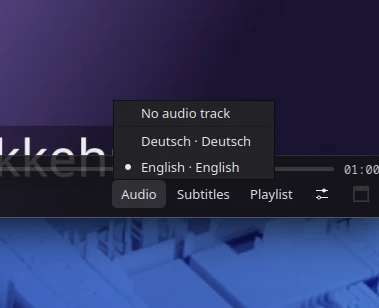
- Tracks that switch cleanly. A track change is a property write to libmpv rather than a rebuilt filter chain, so the sound survives it. Track names show language, codec and whether the track is external.
- Subtitles it actually finds. Subfolders like
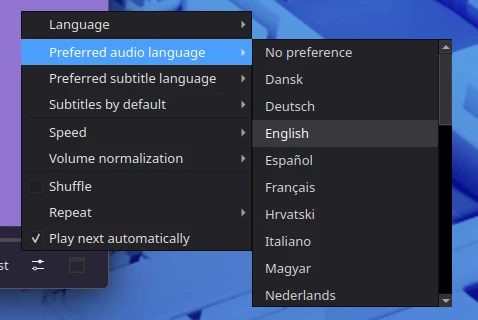
Subs/, folders named after the video, diverging release names matched by episode code, language suffixes read from the filename. - Language preferences. Always take the English audio where a file offers it, and turn subtitles on only when the audio is in a language you do not read.
- It remembers. Playback positions per file, written every five seconds, dropped once a file is watched through.
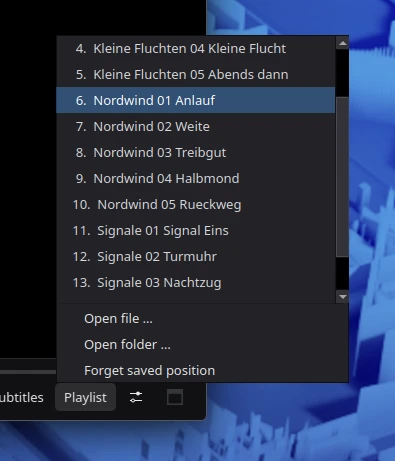
- Playlists that make sense. Opening one episode pulls in the folder, or the neighbouring folders for one-folder-per-episode releases.
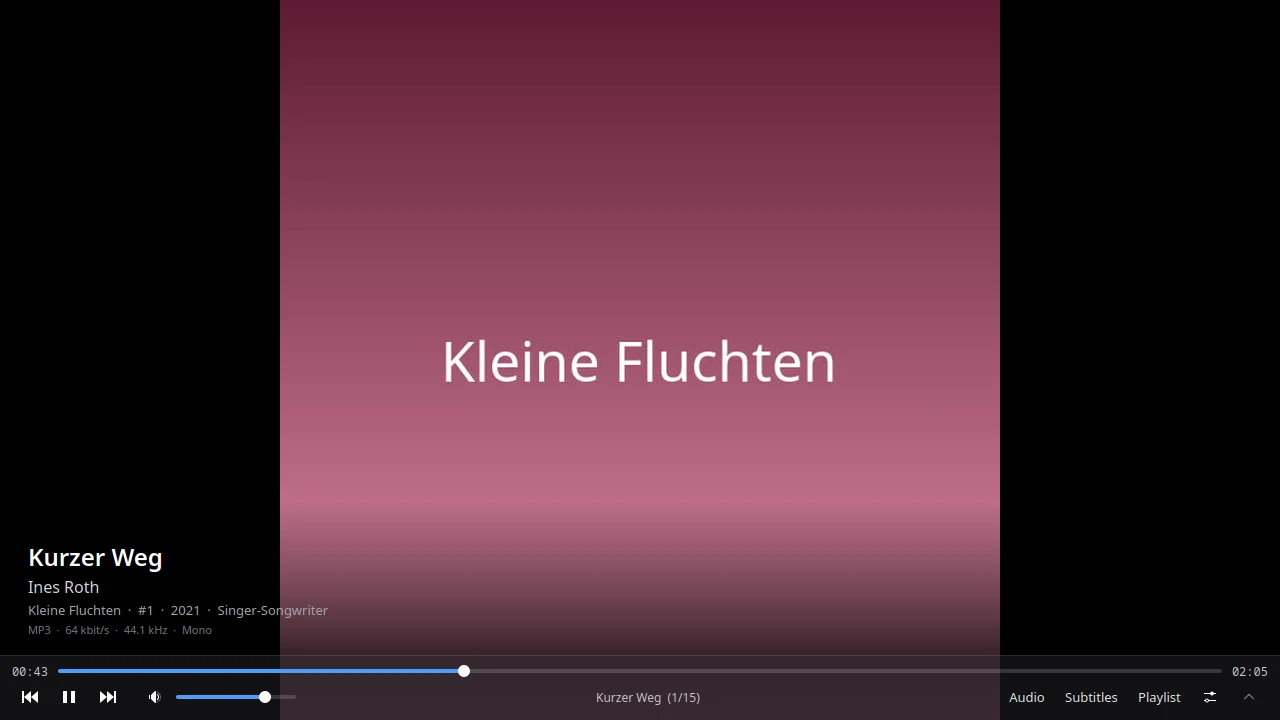
- Audio too. Cover art and a metadata panel instead of a black frame, shuffle, repeat, ReplayGain.
- Six languages, dark by default, native Wayland client that works on X11 as well.
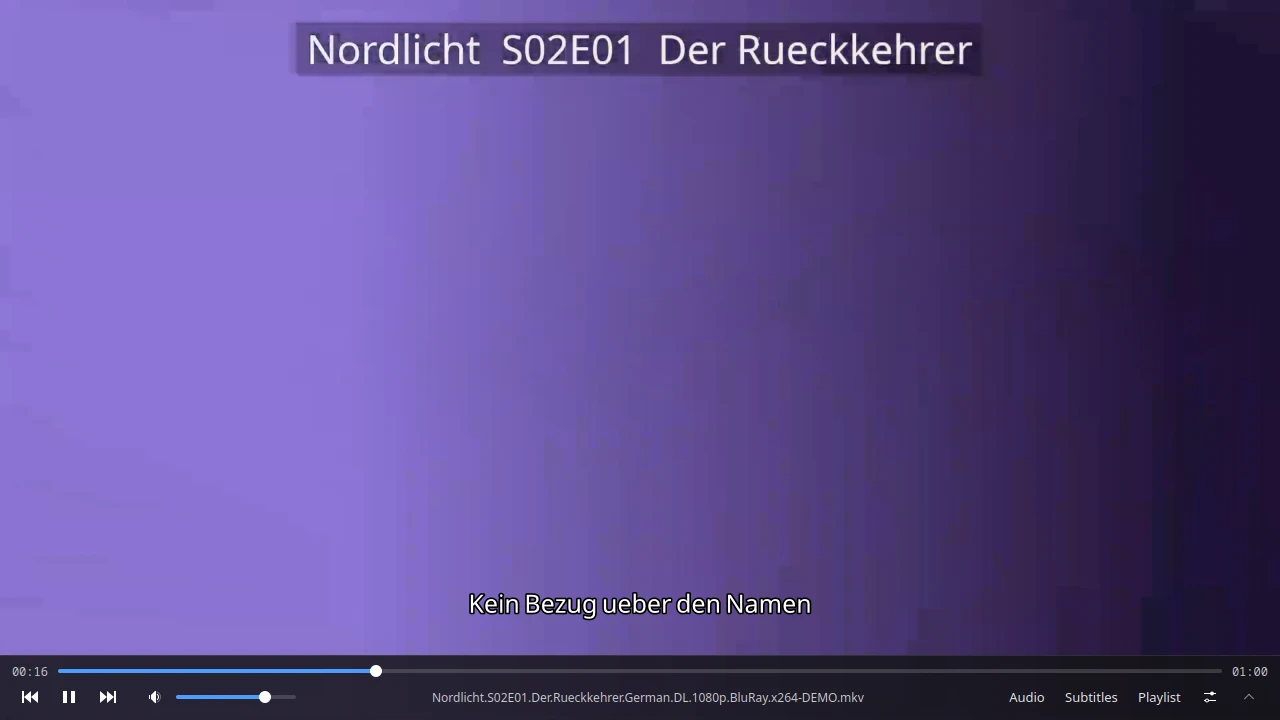
Screenshots
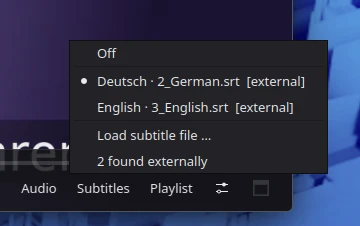
Both subtitles above were found on their own, in a Subs/ folder
next to the video, named only 2_German.srt and
3_English.srt.
Install
Fedora, Debian and Ubuntu, Arch, openSUSE and Alpine are detected automatically. Other distributions get told which three packages to install by hand.
From then on the whole install is four lines:
git clone https://github.com/ilejo/Vido-Media-Player.git
cd Vido-Media-Player
./setup.sh
vido film.mkv
That is all of it. The script installs the dependencies, puts Vido in the
application menu with its icons and adds a vido command, so
afterwards a double click or vido film.mkv is enough.
It needs libmpv, PyQt6 and Python 3.9 or newer. PyQt6 comes from the distribution on purpose, because the pip wheels ship their own Qt and behave worse on Wayland.
Status
Beta, and in daily use. Two things are still open, which is why the version stays below 1.0: audio and video can drift apart after seeking, and on Wayland playback stalls while the window is fully hidden. Both are written down in the repository.
← back to ilejo